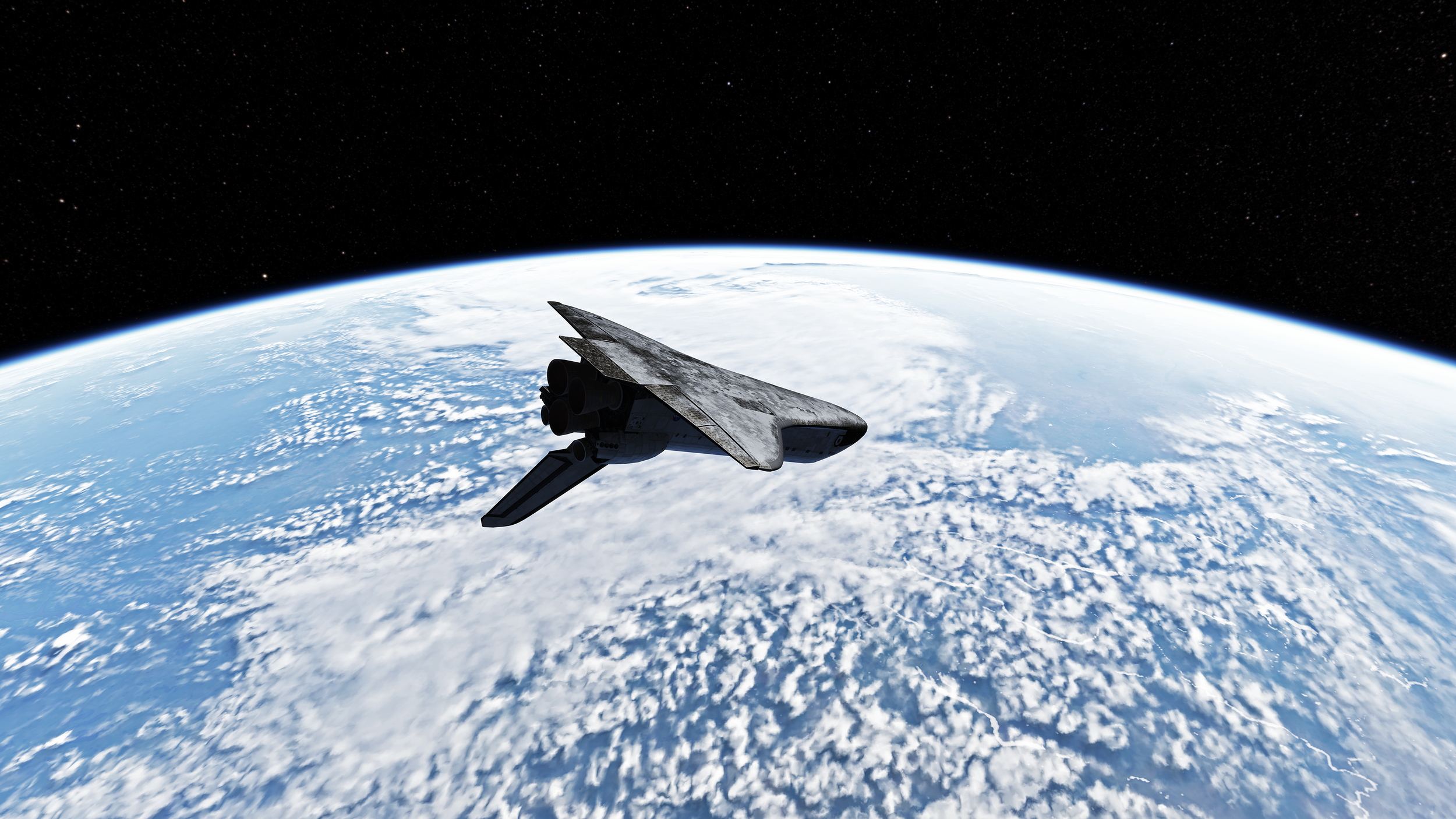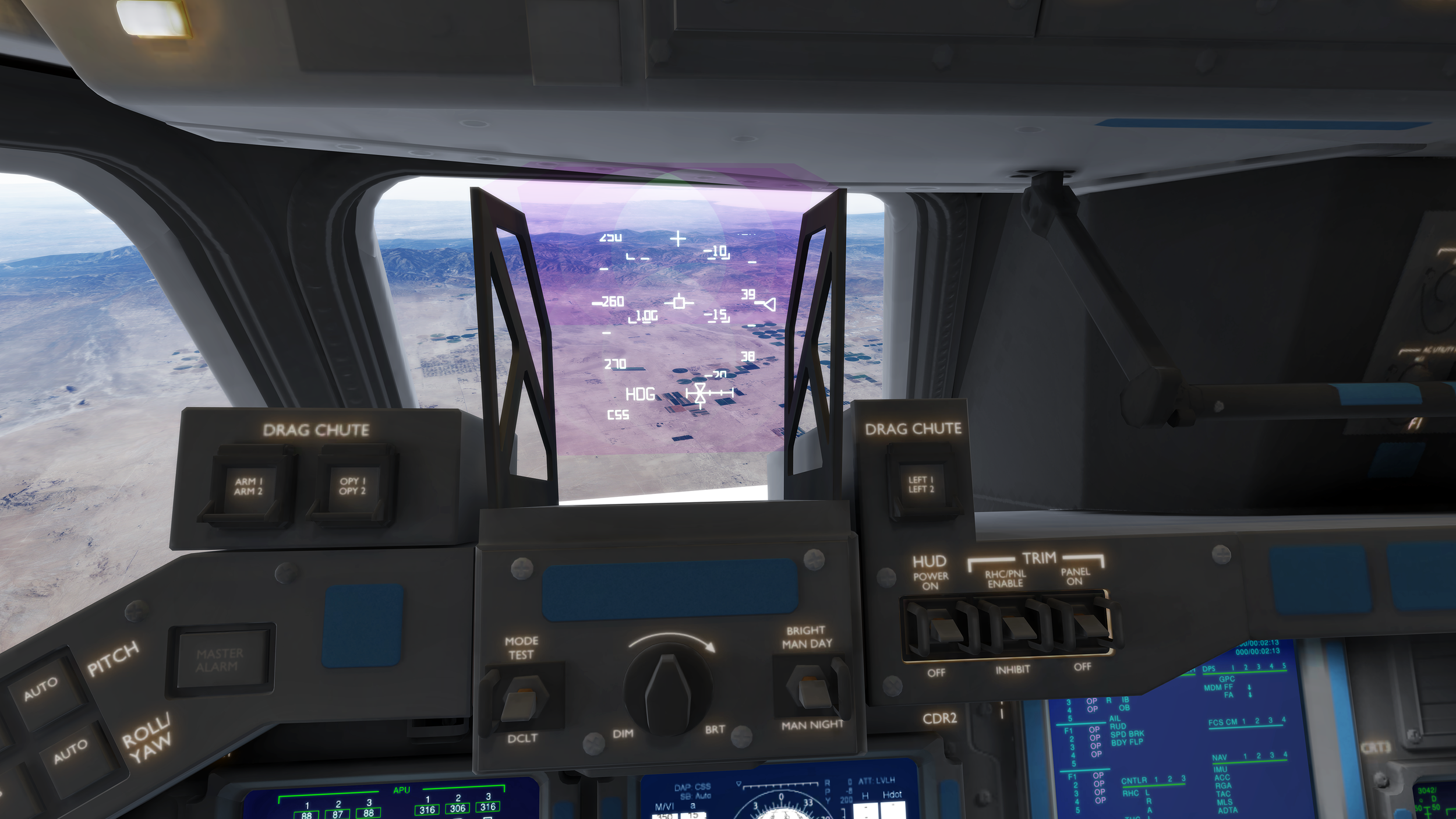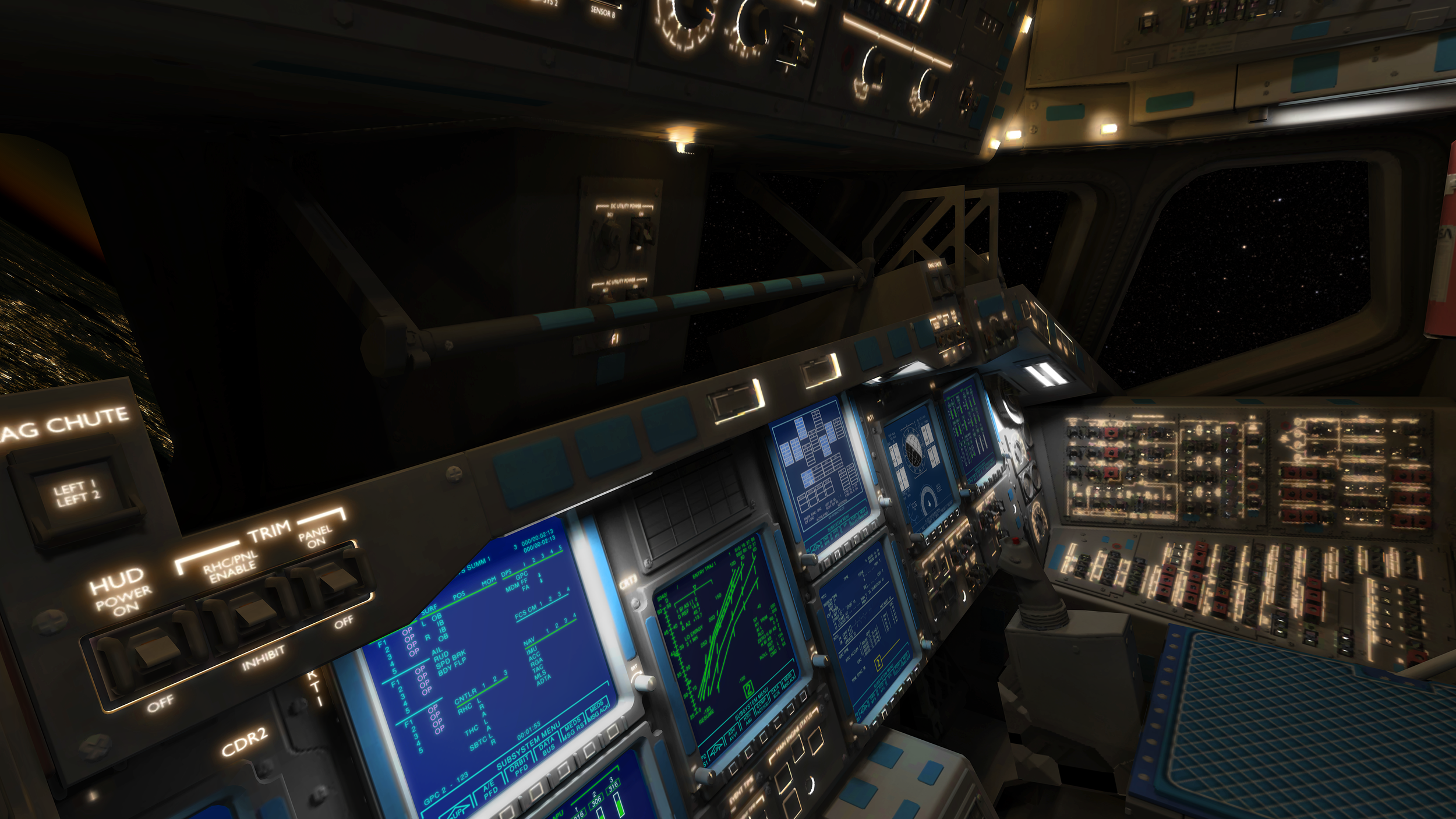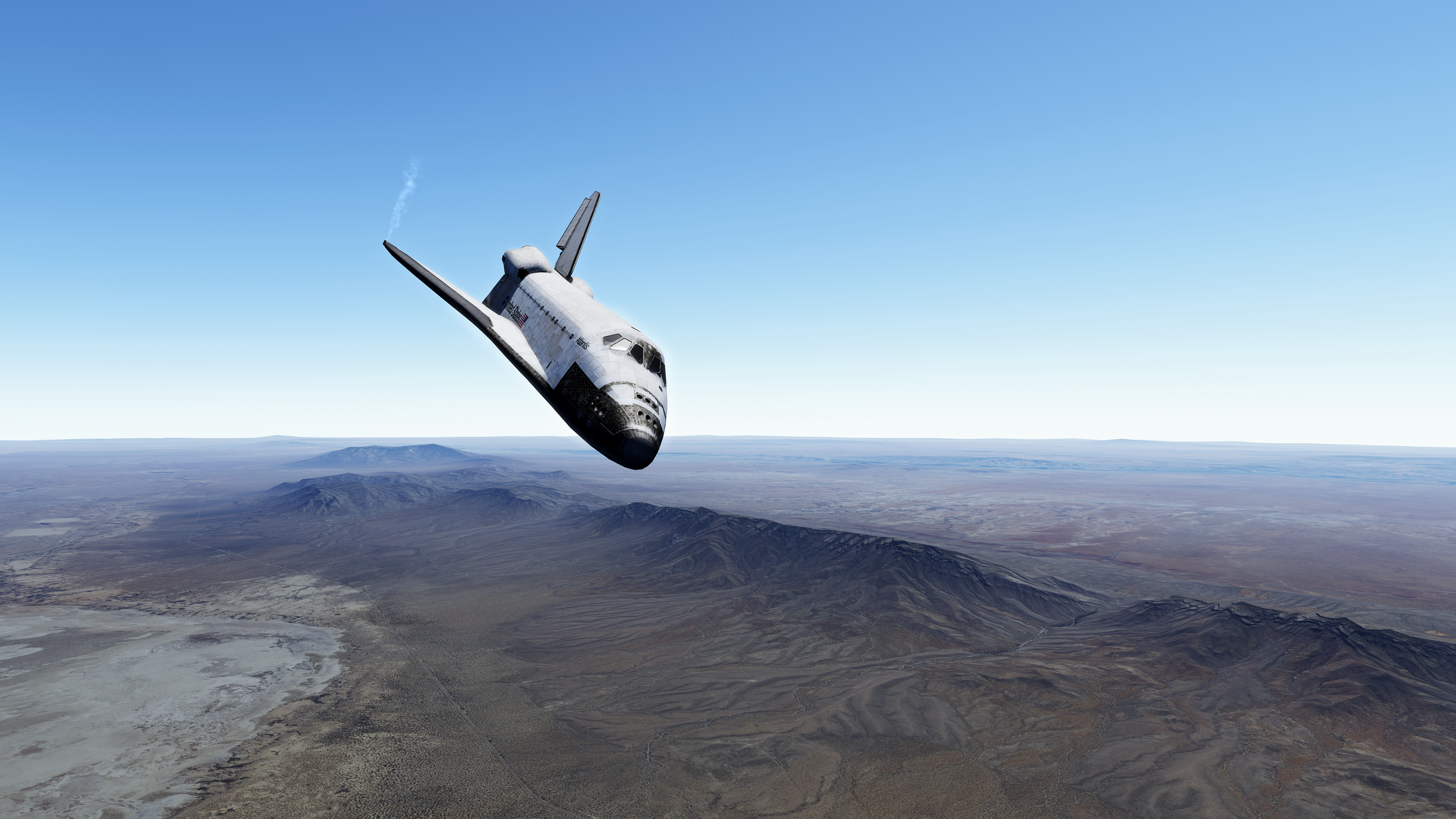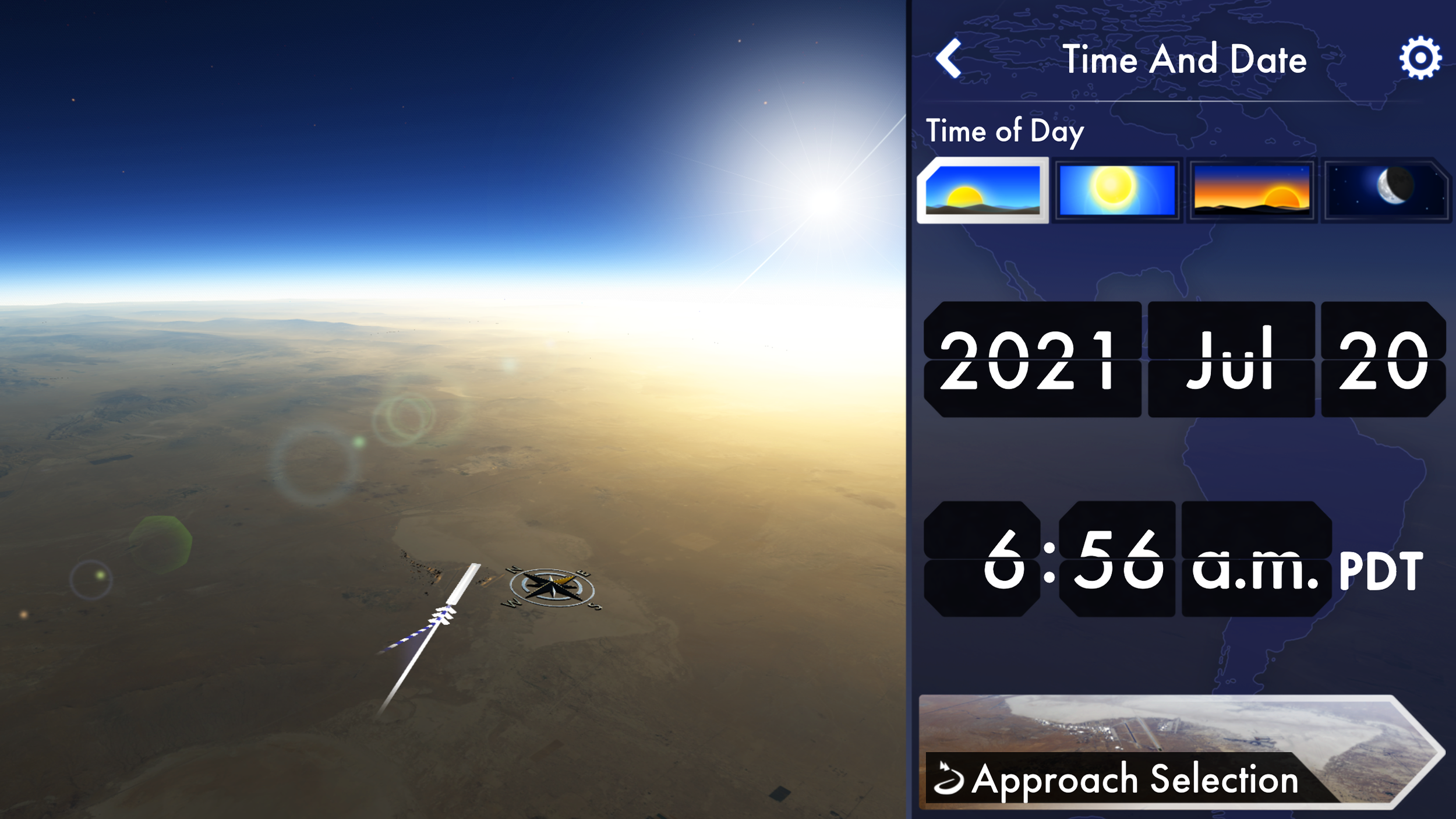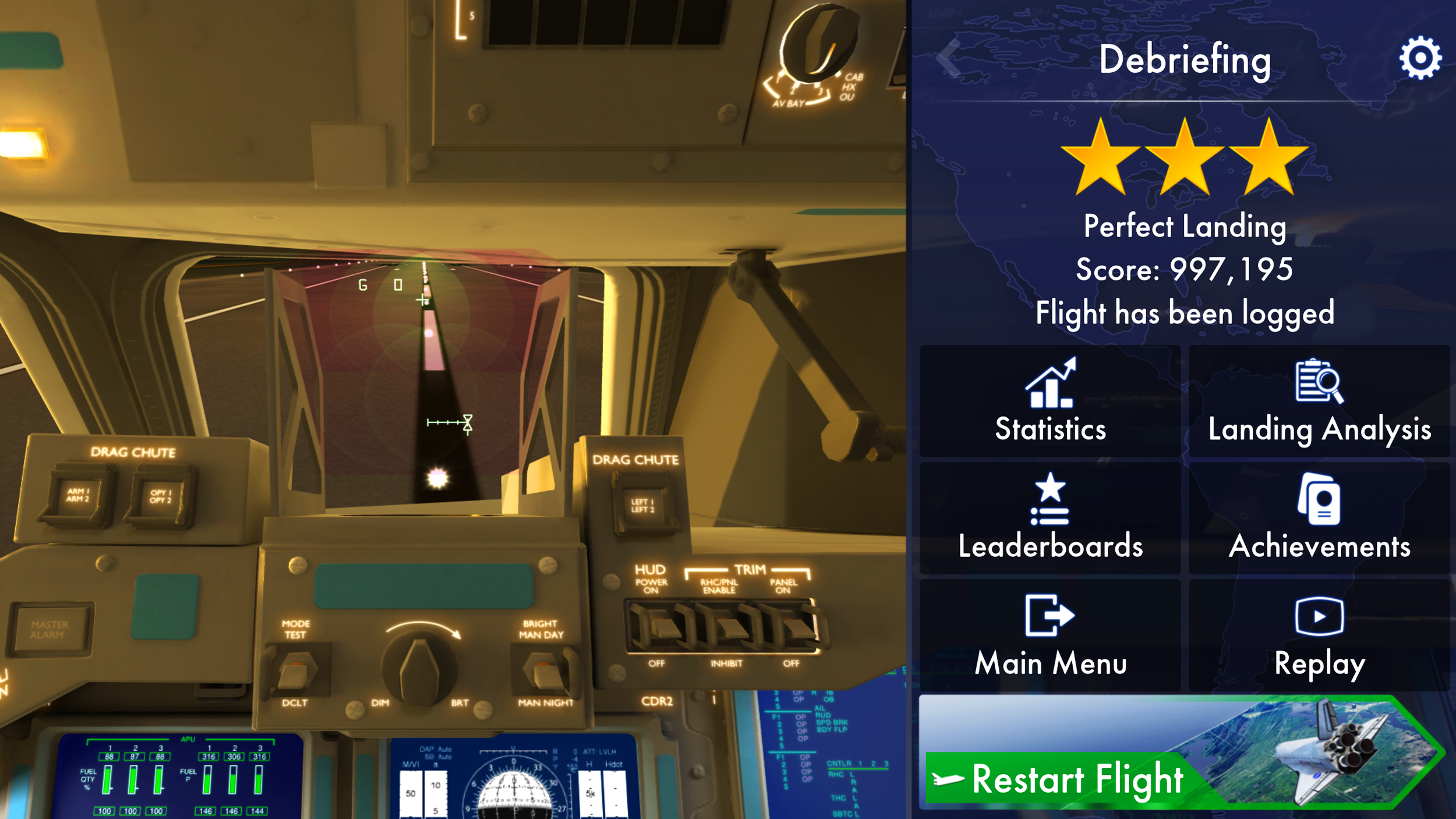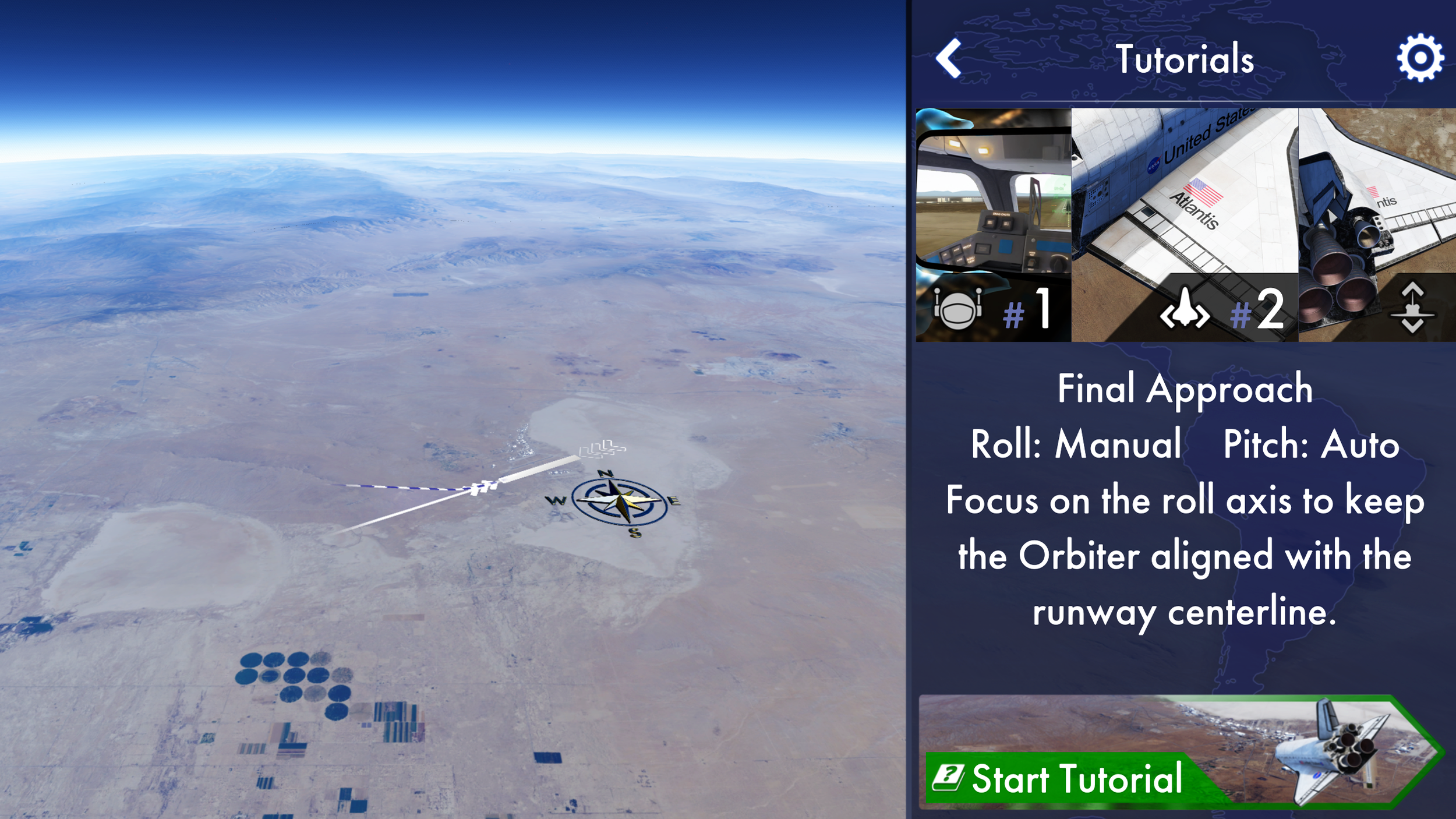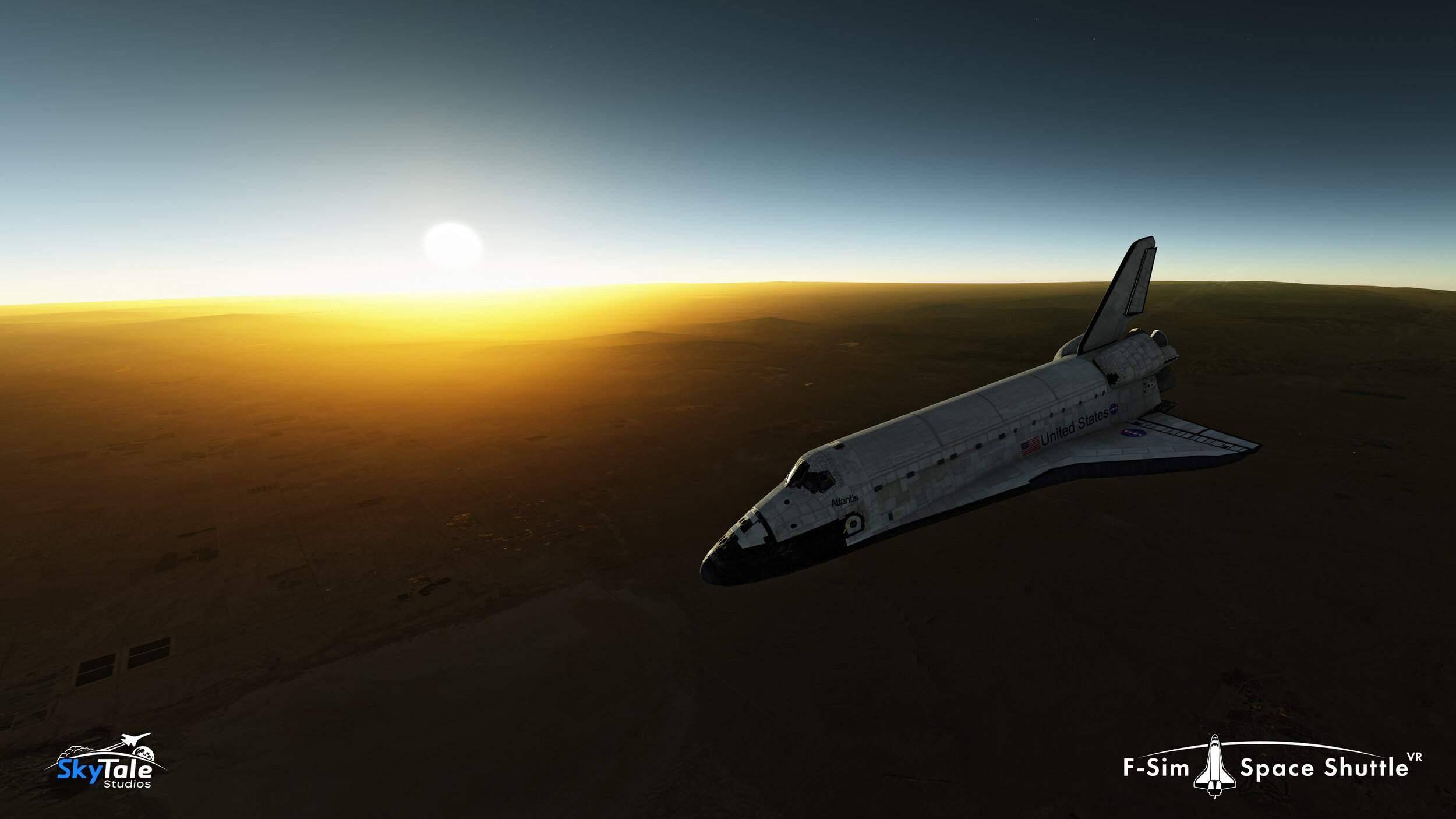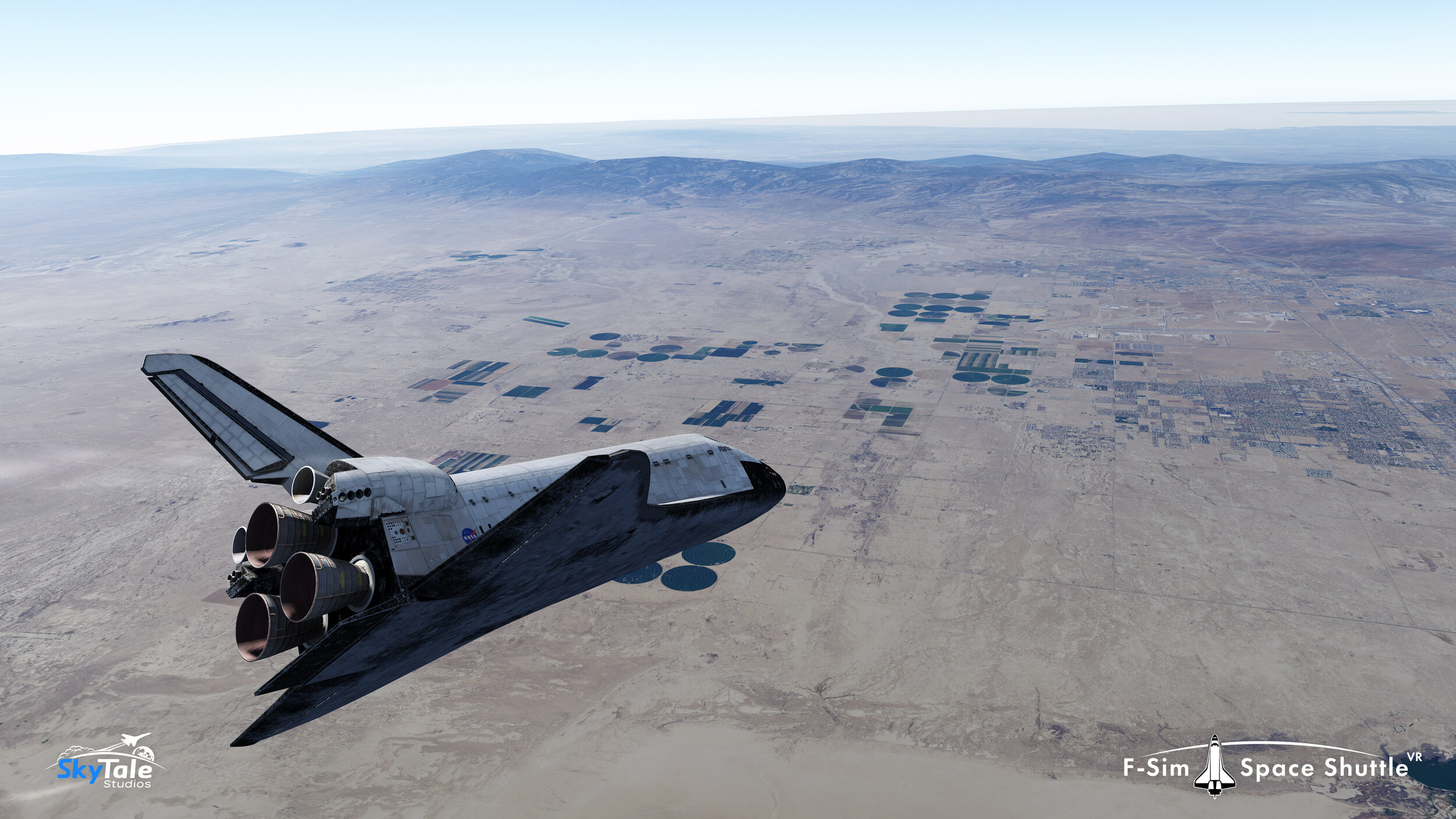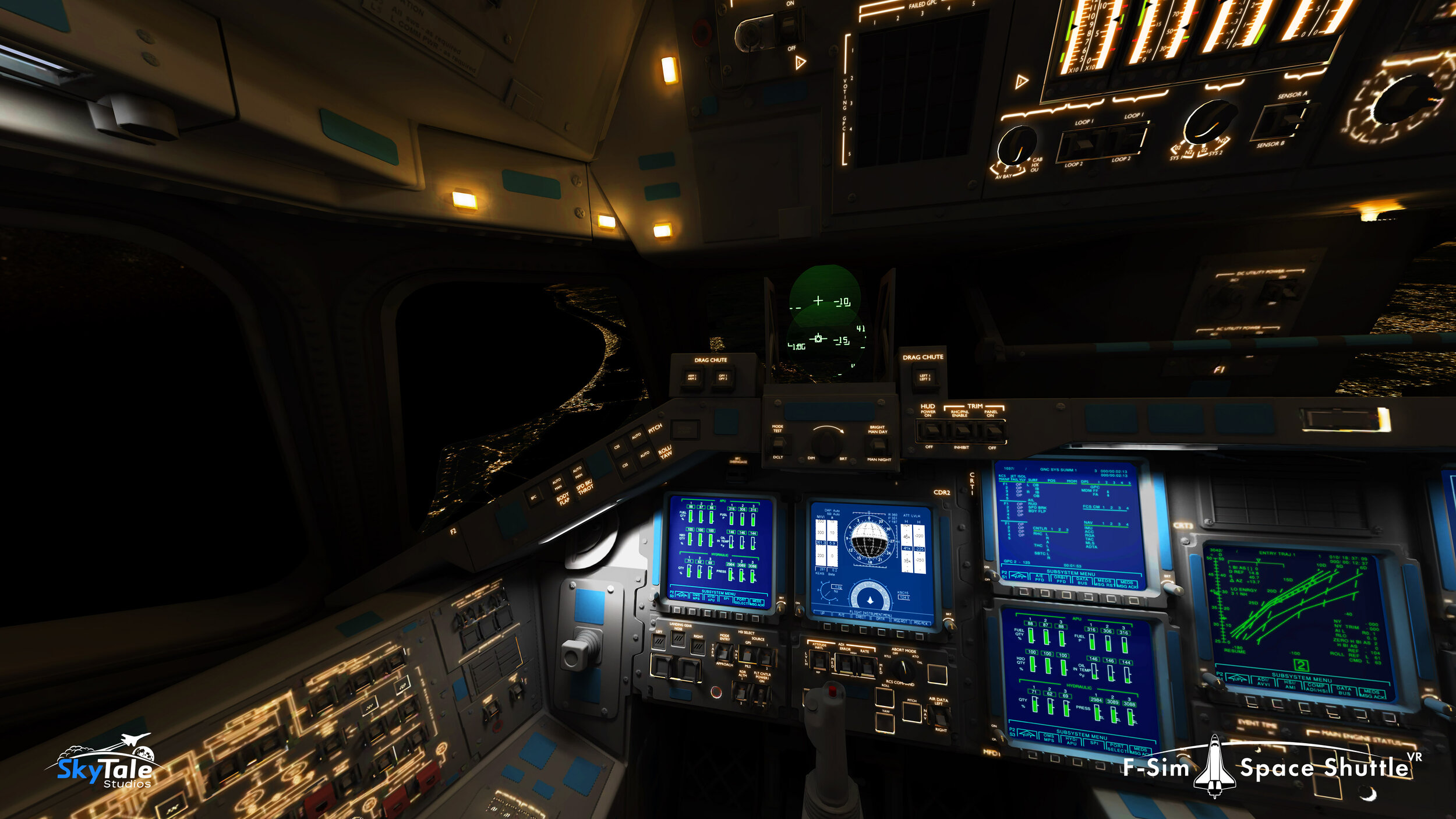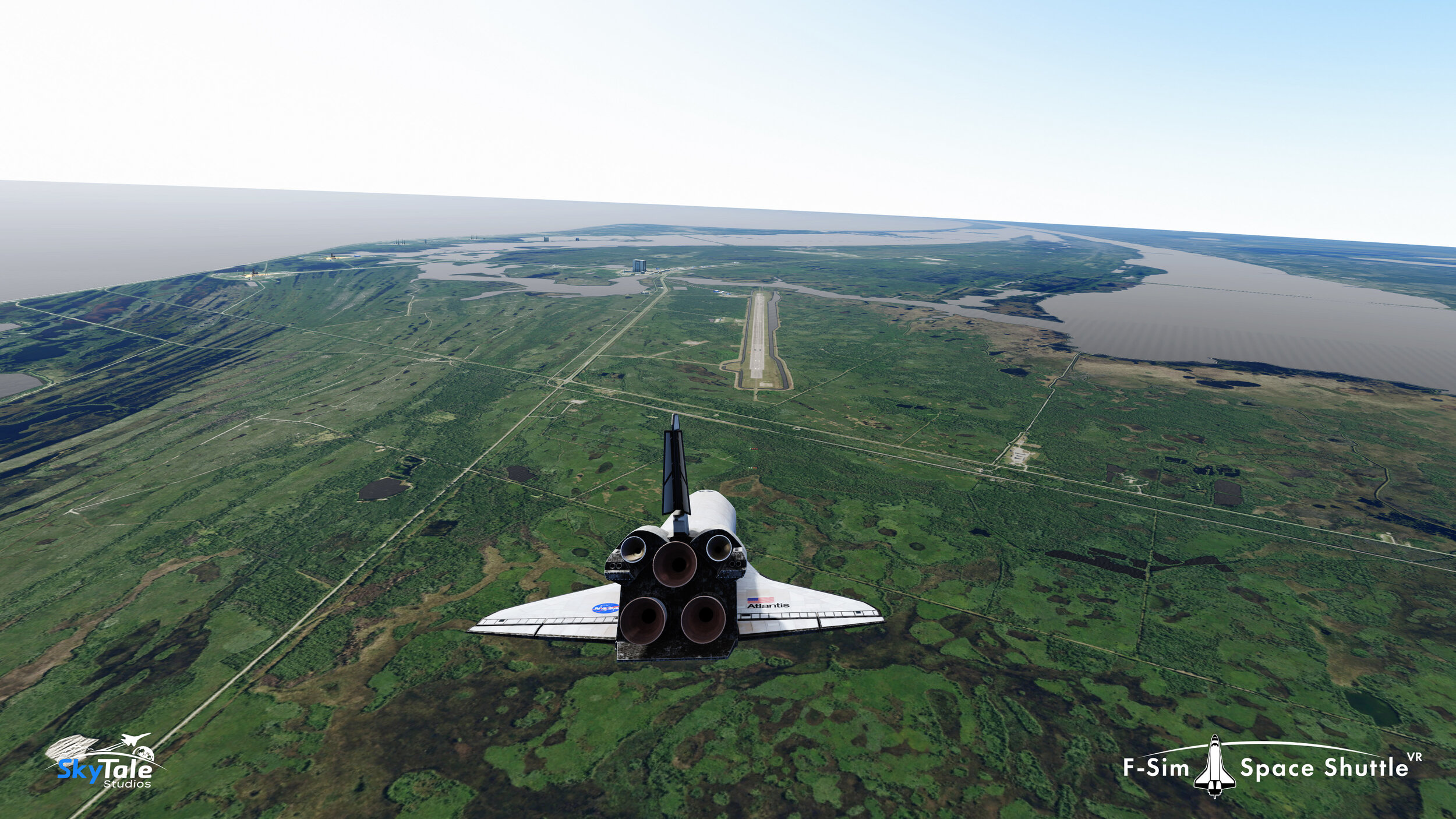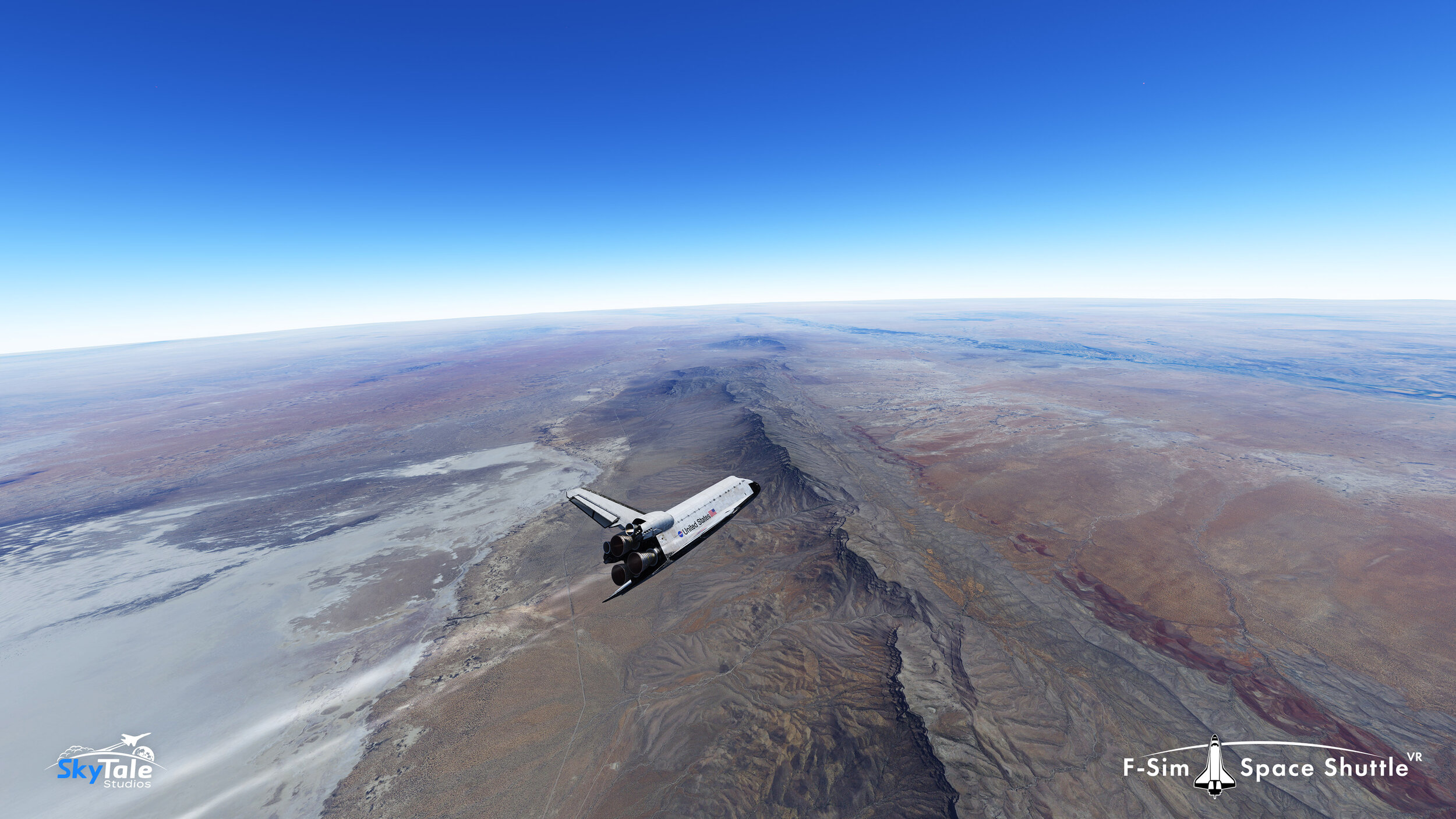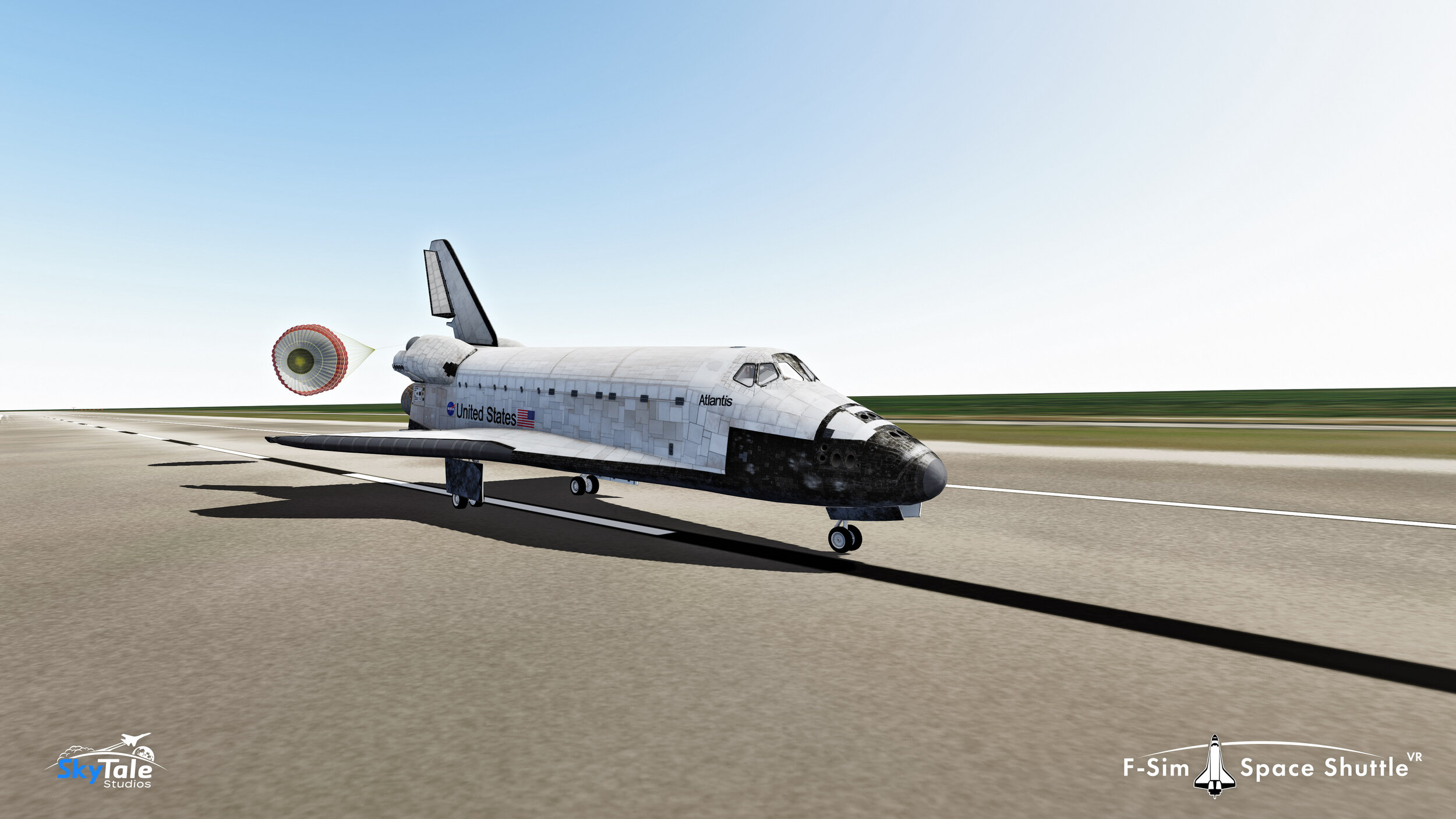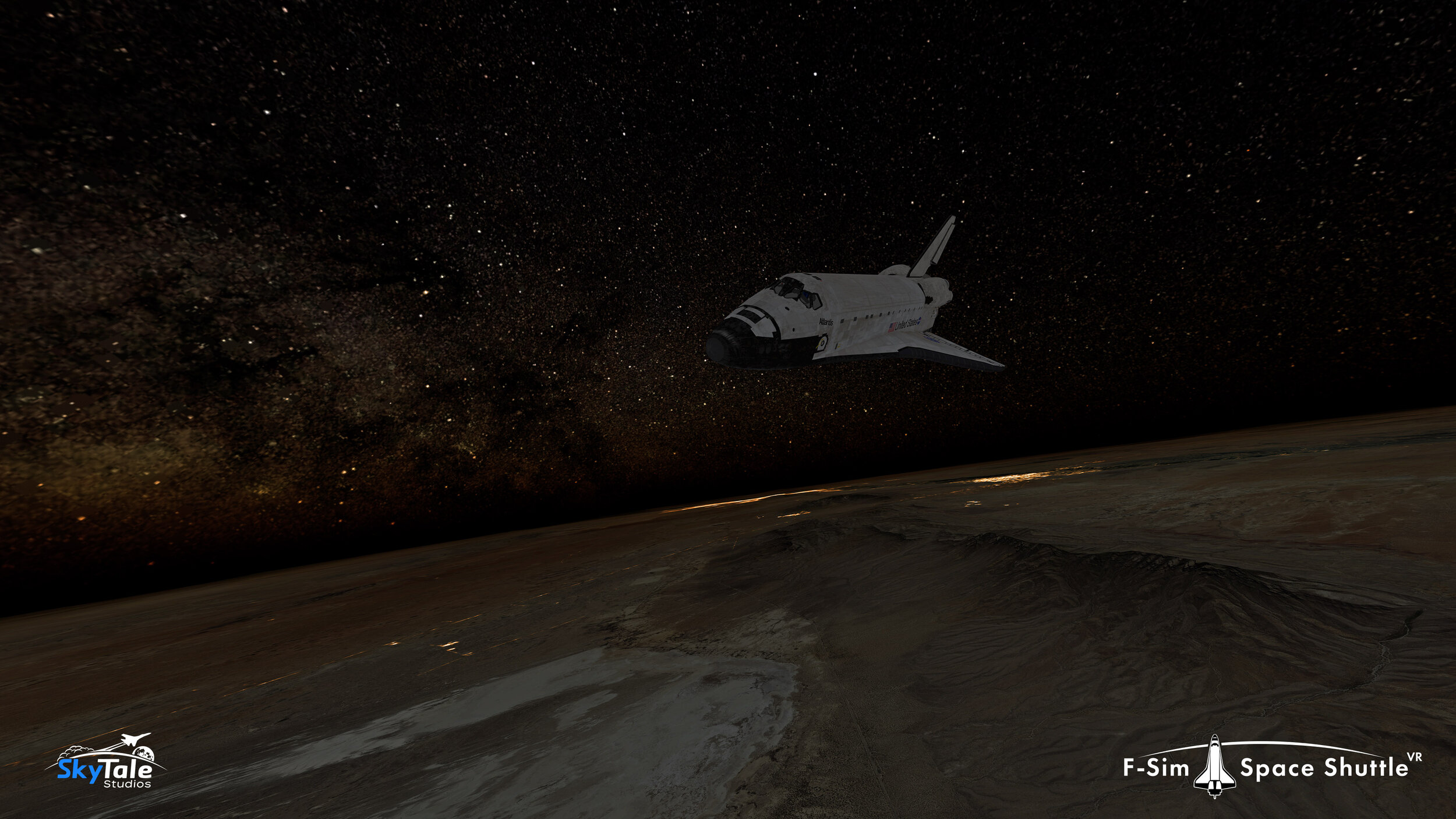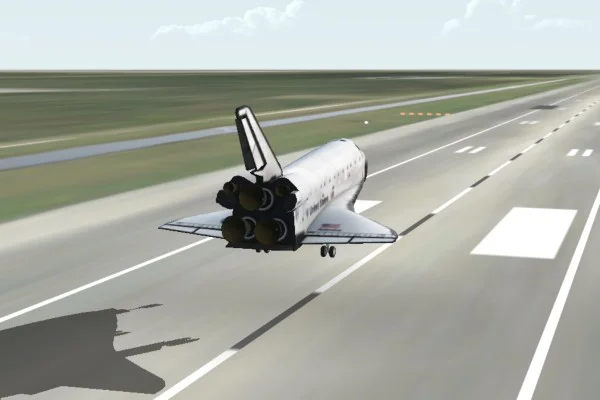
Fsim Space Shuttle is a highly-realistic flight simulator for iPhone, iPad, iPod touch, and Android devices. It simulates the space shuttle’s approach and landing in unprecedented detail and accuracy. Take command of the Orbiter during the final minutes of descent, and touchdown safely at the John F. Kennedy Space Center or Edwards Air Force Base.
After the landing, you can watch a replay of your flight from different perspectives, like a chase plane or from the tower. A sophisticated landing analysis also is available, and only the best pilots are awarded a “perfect landing” score.
Because this app is so visually exciting, so technically deep, so sophisticated, so beautifully done in its realism, effects, and documentation, it earned a perfect 5/5 rating, Outstanding.
John Martellaro, Senior Editor for Reviews The Mac Observer
Absolutely awesome app that is a must for shuttle huggers and aspiring astronauts.
Chris Bergin, Managing Editor NasaSpaceflight.com
I was excited to see that I can enjoy flying the space shuttle realistically also on my iPhone and complement my addiction to our Space Shuttle Mission Simulator on pc when I am on the road.
Alex L. www.space-shuttle-mission.com
Have you got the “right stuff?”
Download it now and find out!
The Orbiter’s approach is seven times steeper and twice as fast compared to a commercial airliner’s approach. Also, because during descent it is an unpowered glider, you only have one chance to get it right.
The included manual and tutorials will familiarize you with the head up display (hud) and explain the different approach and landing phases. After some practice and your first successful touchdown, you can try crosswind or night landings.
Striking realism
Flight dynamics, the guidance, navigation, and control (gnc) systems, and the hud are simulated accurately and in great detail.
Follow the guidance symbol in the hud to stay on the heading alignment cone (hac) and align the orbiter with the runway centerline, and then follow the flare reference symbol to perform the pre-flare maneuver. Don’t forget to keep an eye on the visual landing aids like the precision approach path indicators (papi) and the ball/bar light system to stay on the outer and inner glideslopes, respectively.
Let the autopilot control rudder, speed brake, gear, and chute, or control them yourself. If you dare, simulate system failures like a stuck speed brake or hud/guidance malfunctions.
A wide range of options
Take your place in the commander’s seat in the stunning virtual cockpit, or view your flight from different external camera perspectives. Choose between accelerometer (tilt) controls or (virtual) analog sticks to steer the Orbiter. Land on both shuttle landing facilities, and fly either final or full approaches by selecting one of the four possible hacs. Configure day or night landings, clear or overcast skies, visibility, wind, and many other parameters.
Achievements, leaderboards, and challenges
It will take some practice, but your first safe, good, and perfect landings are rewarded with achievements. A total of 15 medals and badges are waiting for the top astronauts, and you can unlock two secret, hidden achievements. Once you’ve become an expert space shuttle commander, compare your scores on the online leaderboards with the best pilots in the world, or challenge your friends to top your highscore.
A number one title
Fsim Space Shuttle has received rave reviews from flight simulation enthusiasts across the world and is ranked among the best simulations on the App Store and Google Play.
iPhone, iPad, and iPod touch
Fsim Space Shuttle is compatible with iPhone, iPad and iPod touch. It takes full advantage of retina display devices, but still runs smoothly on older hardware. It’s been tested on all iOS versions since 3.0 and of course runs fine on iOS 6.
Android
Fsim Space Shuttle is now available for Android too. It runs on a large number of smartphones and tablets.
Get in touch
Feedback is greatly appreciated. Please contact us via the forum, Facebook, Twitter, or e-mail.
Requirements (iOS)
Compatible with iPhone, iPod touch, and iPad.Requires iOS 3.0 or later. Optimized for iPhone 5.
Requirements (Android)
Requires Android 2.1 or later.View it on Google Play to see if your device is supported.